📄 Working with content

The Rich Content editor also referred to as a ‘WYSIWYG’ is a publishing tool that lets you view your text changes as you make them. You can see bold or italicised text, headings and tables as they will look when published.
District Engage’s editor allows for a range of rich text editing options for creating your landing page content.
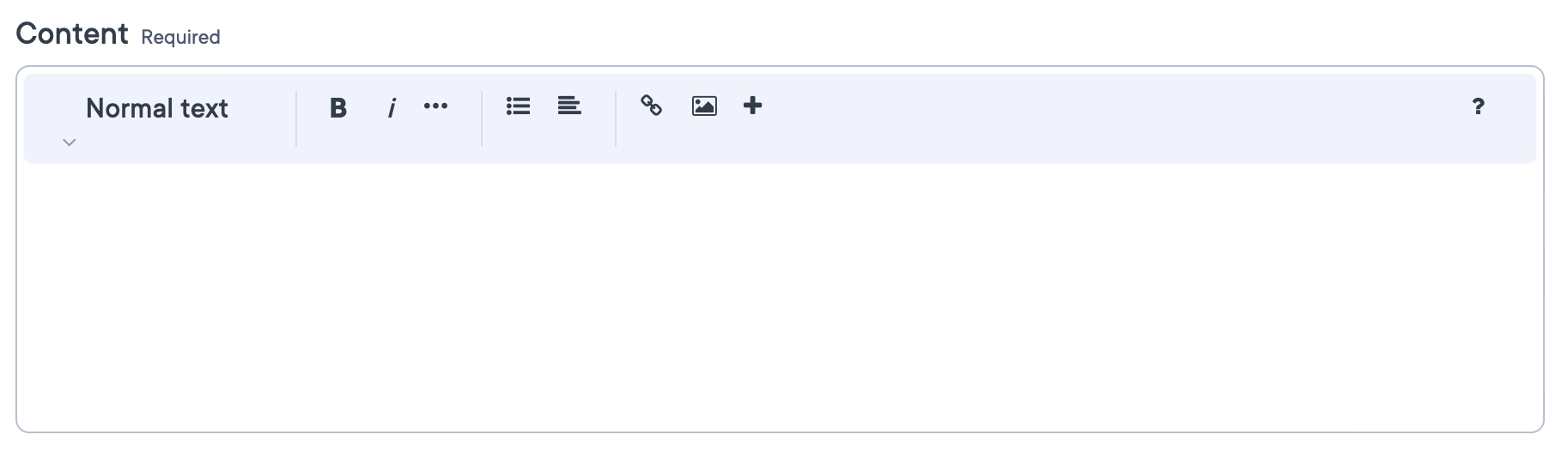 The Rich content editor
The editor
The Rich content editor is used whenever there is an opportunity to input free text. You’ll see text editing options, such as headings, making text bold, adding a list, a hyperlink, or an image. Basic editing functions will be displayed in a toolbar at the top of the input box. Extended functions will be displayed by clicking on the + icon on the toolbar.
Editor functions
| Name | Purpose | Example |
|---|---|---|
| Headings | Add headings tags to the headings of your content. |
Heading 1Heading 2Heading 3 |
| Bold | Makes text thicker and more prominent. | Bold text example |
| Italic | Makes text thinner and slanted at an angle, to indicate emphasis. | Italic text example |
| Strikethrough | Puts a line through the middle of text to indicate the word is crossed out. | |
| Code | Formats text so it looks like computer code input. | Code text example |
| List | Creates a bulleted list, a numbered list, or a task list. |
Task list example |
| Align text | Aligns the text to the left or right edges of the margins. | |
| Hyperlink | Link selected copy to any URL address on the Internet, including within your Engage site. | Hyperlink example |
| Image | Adds an image inline with your text. Images may not be formatted correctly by default when added here. |
| Extended functions | ||
|---|---|---|
| Table | Adds a table to your text. You can set the number of rows and columns. | 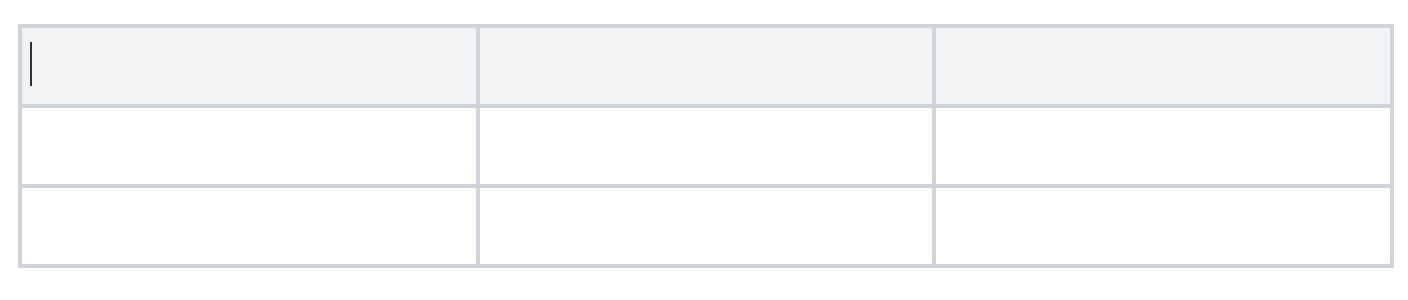 |
| Accordion | Creates a collapsible set of sections to hide or display your content with a dropdown arrow. | 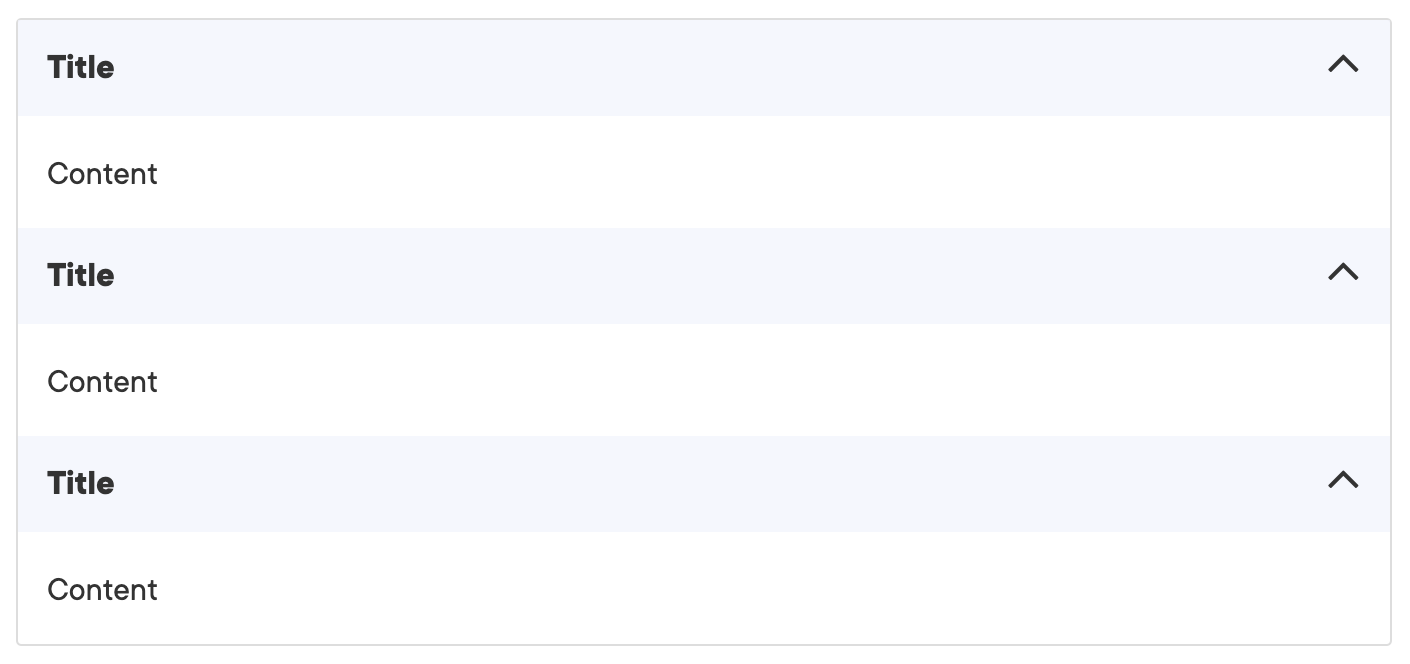 |
| oEmbed | Embed content from sources such as Youtube, Vimeo, Soundcloud, Spotify and many more. | 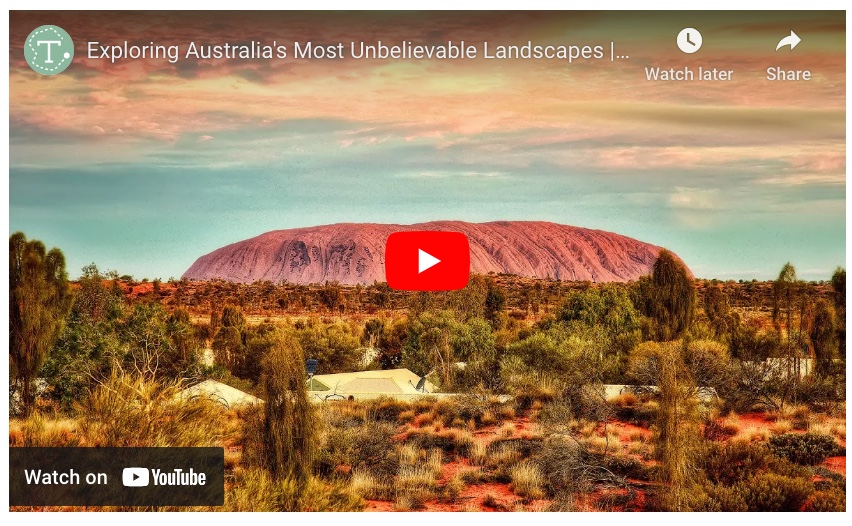 |
| Quote | Insert a block quote with a citation of the quote author. | 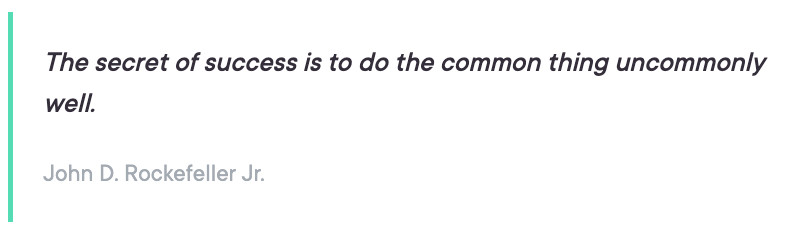 |
| Callout Box | Insert a callout box for highlighting content. | 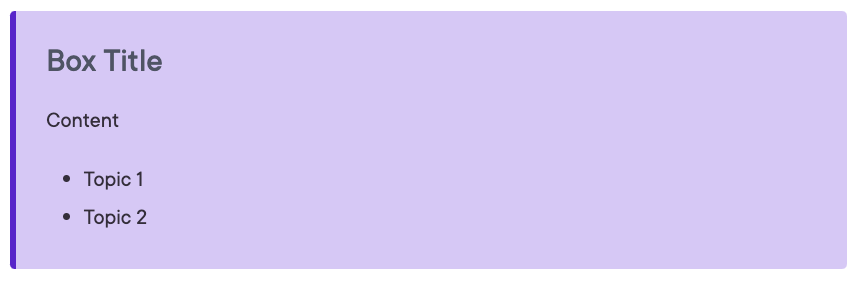 |
| Code block | Insert a multi-line code block. | 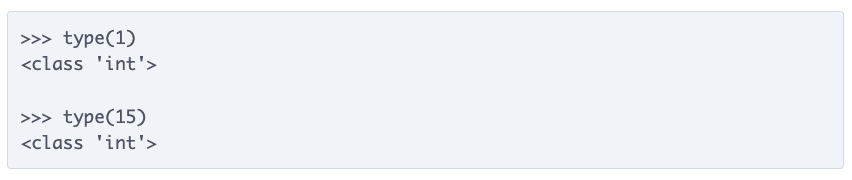 |
| Divider | Add a horizontal divider line. |  |


